
From request to first purchase
No complex integration, no need to replace your POS software. Usually everything is ready in a day — we help with setup.
You submit a request — we open an account
We open an account for your company and give you the panel login details. You choose a plan and a 7-day free trial begins.
5 minutes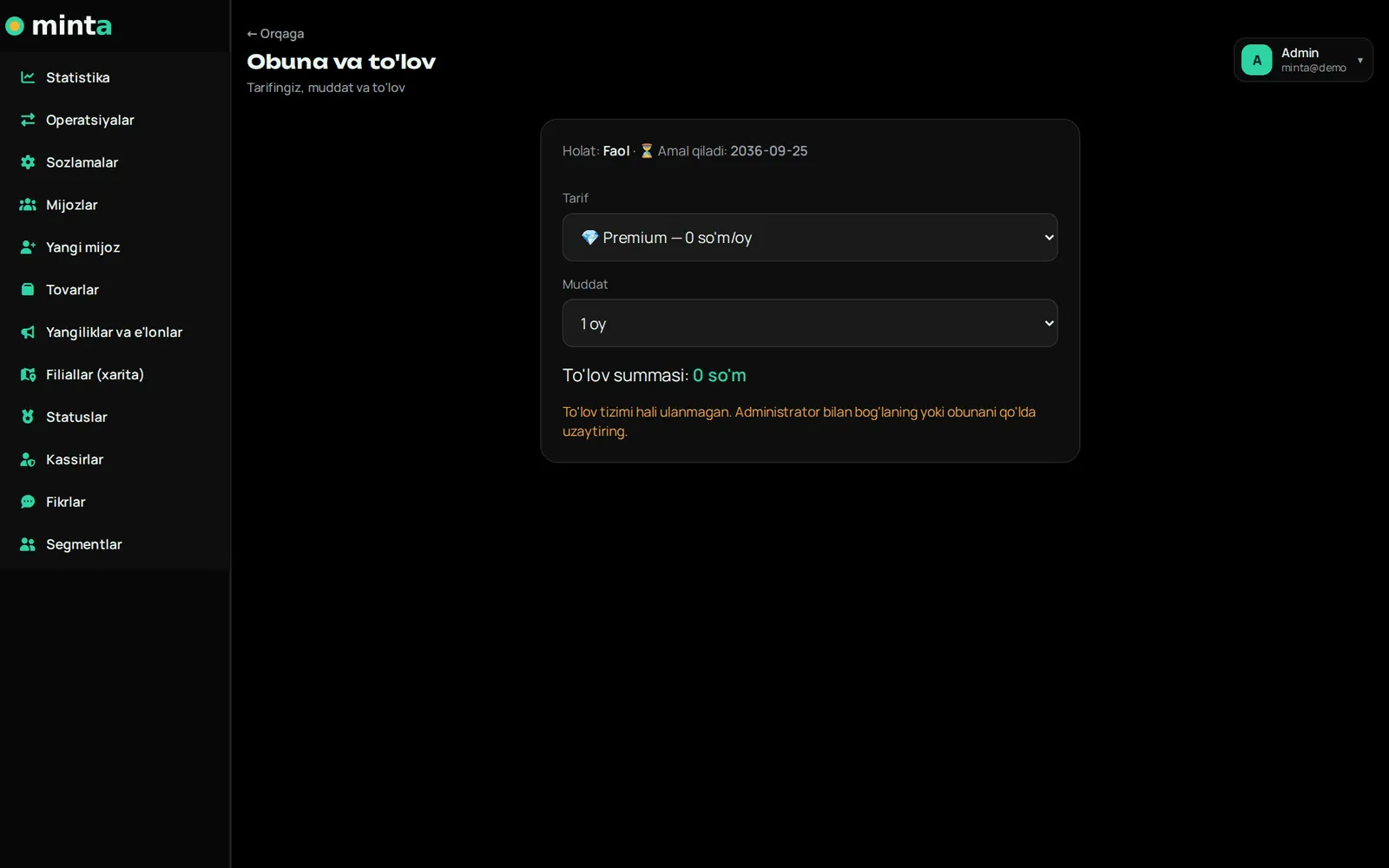
You set up your company
Name, logo, description, cashback percentage, point payment limit, welcome and birthday bonuses, tiers.
15–20 minutes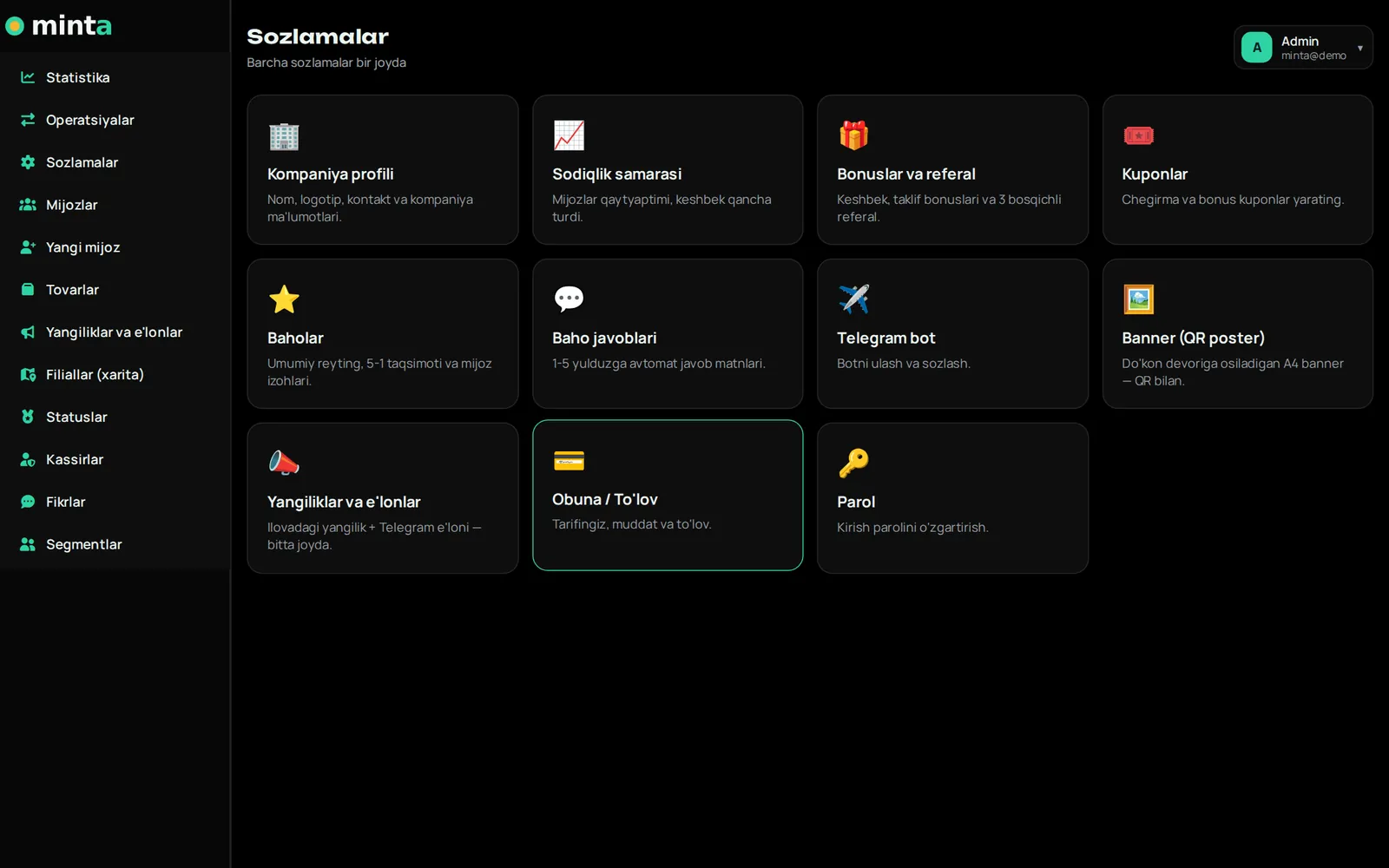
You add branches and cashiers
You mark branches on the map and give each cashier a login and PIN. Cashiers open the cashier app on a phone or computer.
10 minutes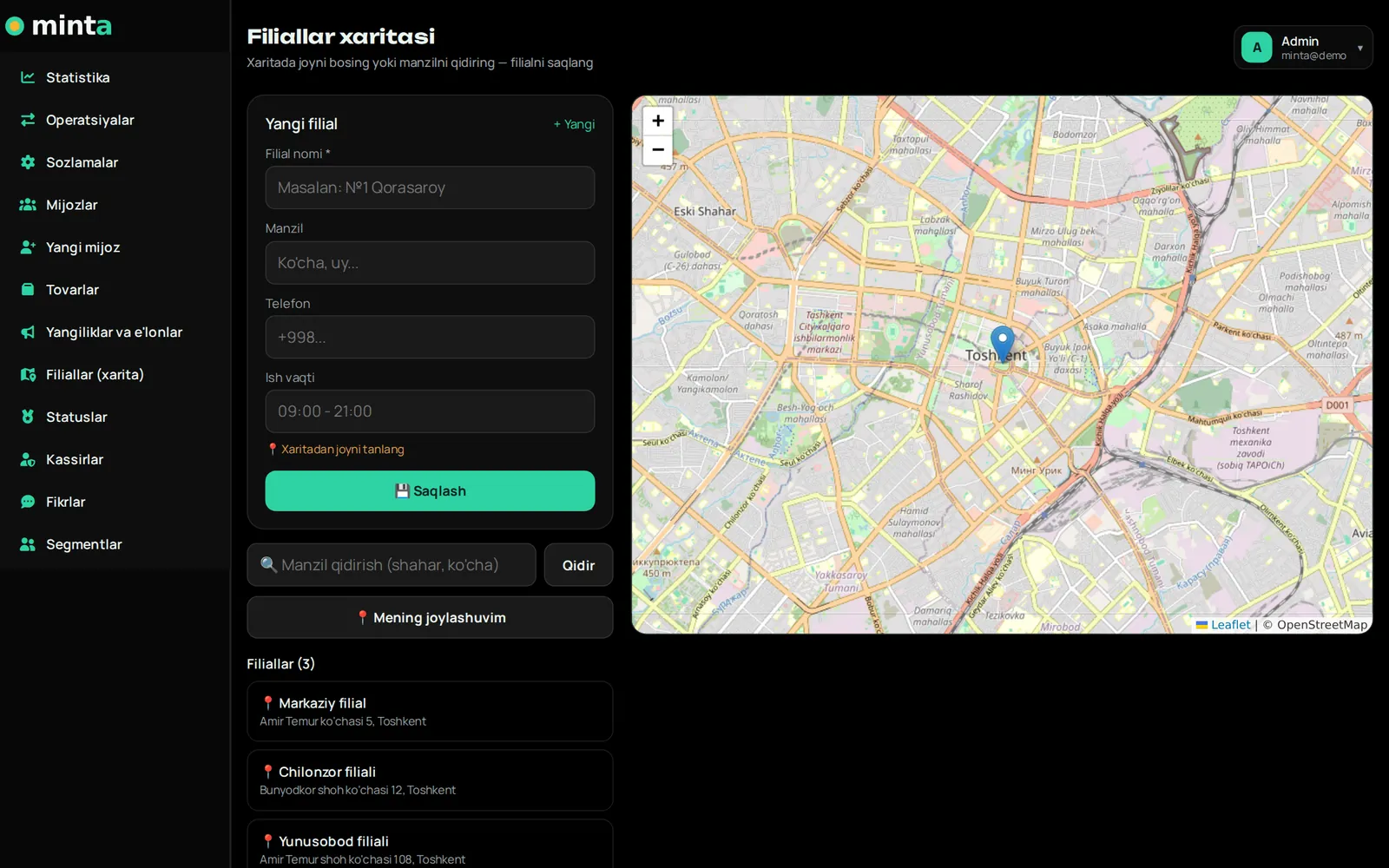
You connect the Telegram bot
Create a bot in @BotFather and put its token in the panel. The mini app button and command menu set themselves up.
5 minutes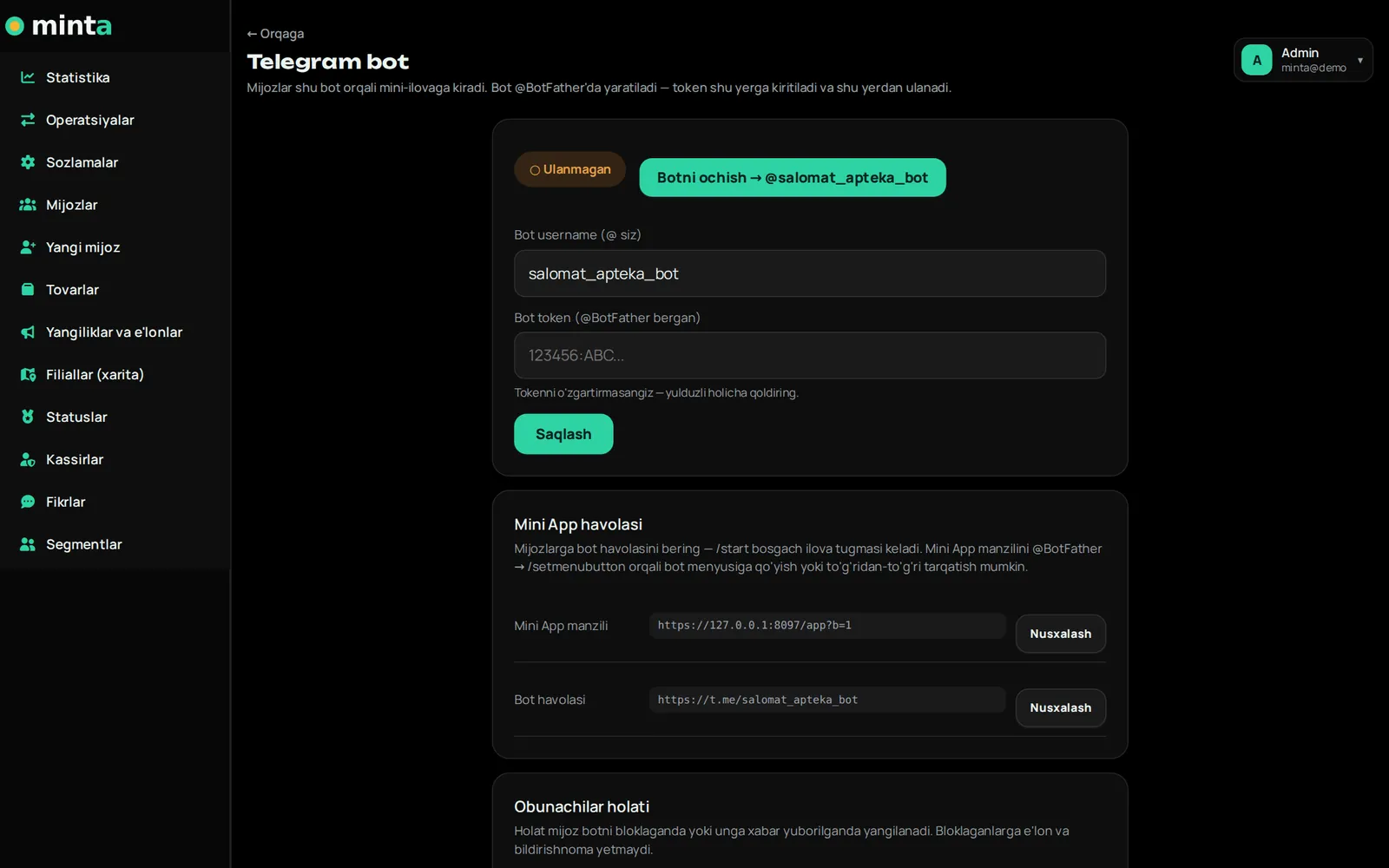
You print the QR banner
Download a ready A4 banner for each branch and place it by the checkout. Cashiers tell customers "Scan the QR and earn points".
Print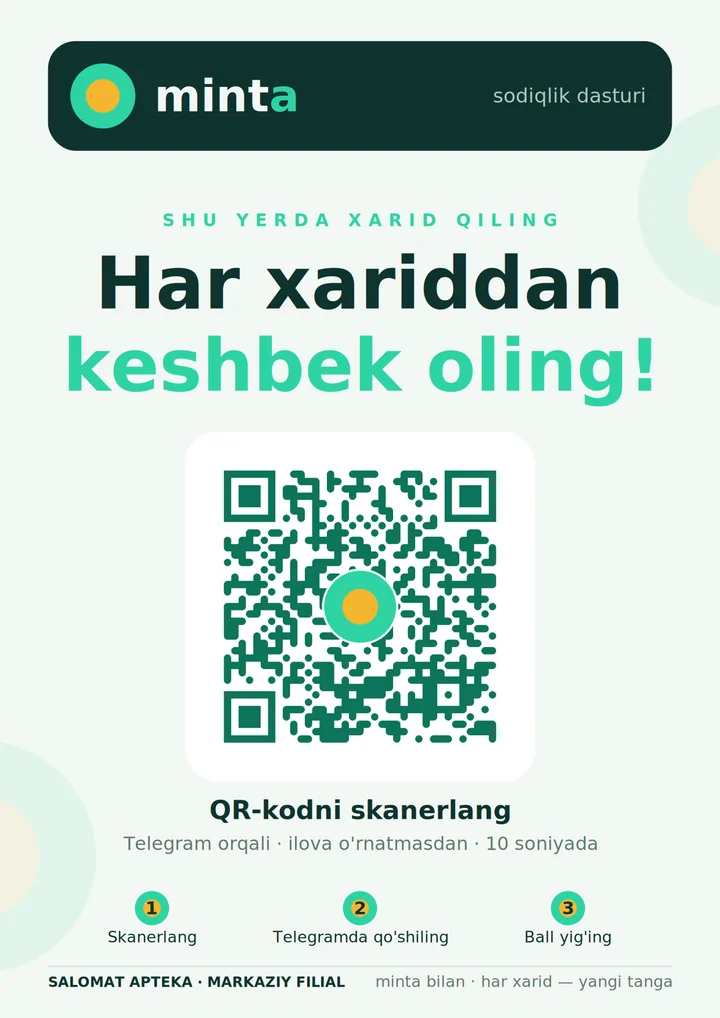
First purchase
The customer says the code, the cashier types the amount — points are credited, a receipt goes to Telegram, statistics appear in the panel. The program is running.
3 seconds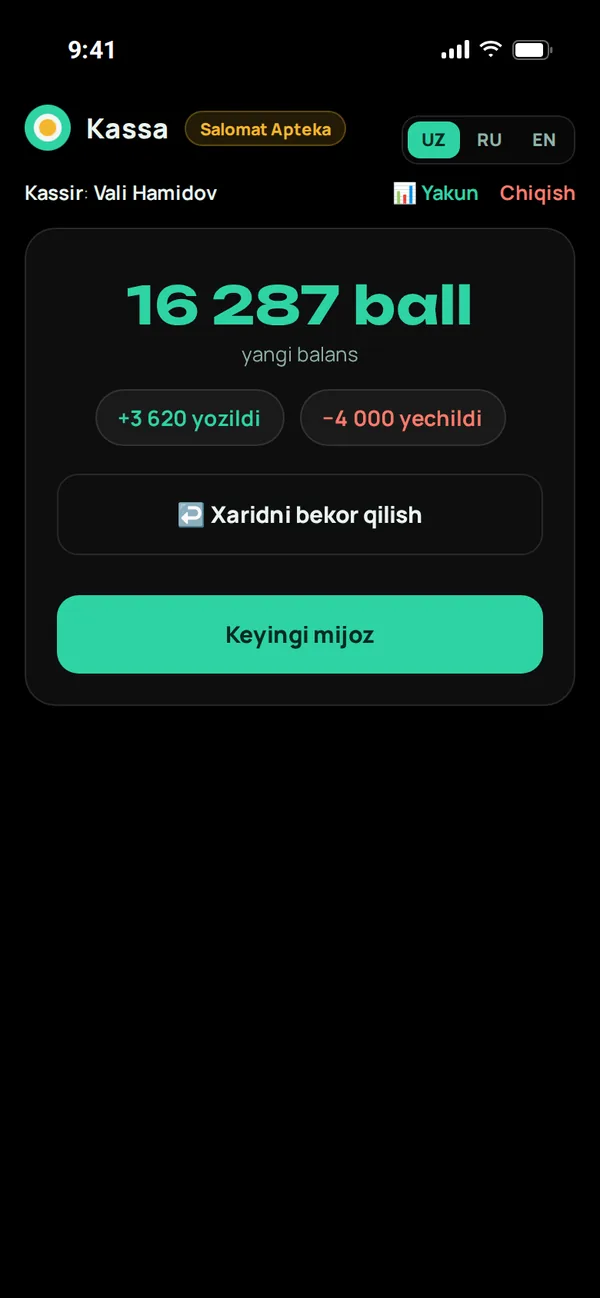
What the shopper sees
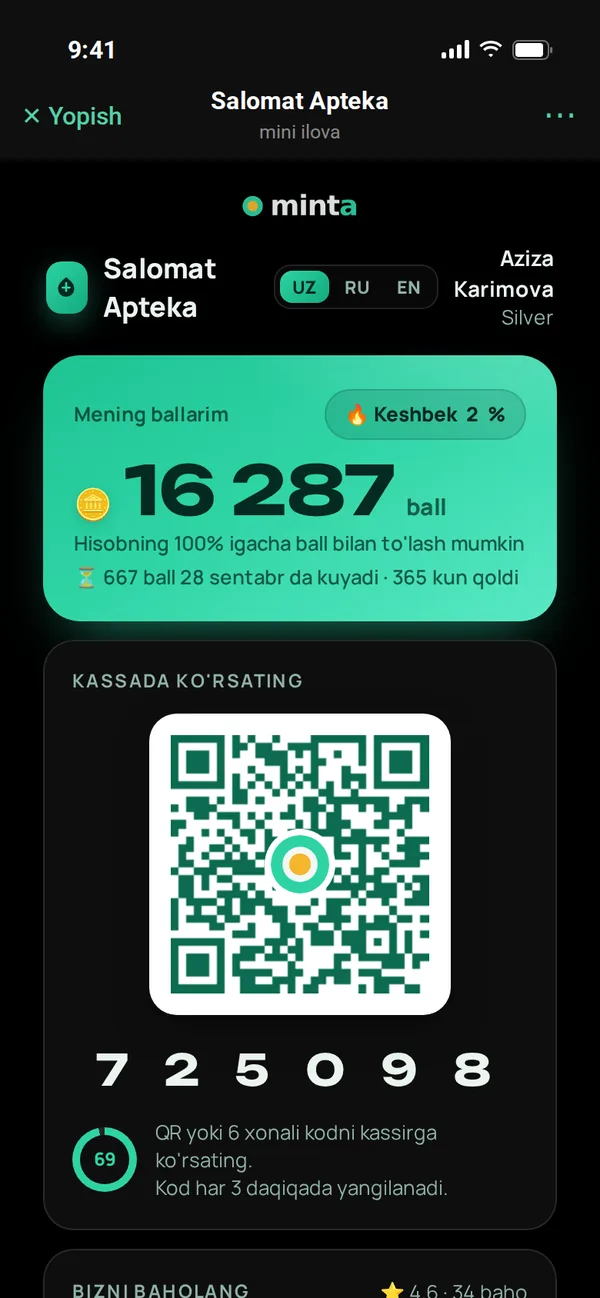
Scans the QR
They open your bot via the banner by the checkout or a friend's link.
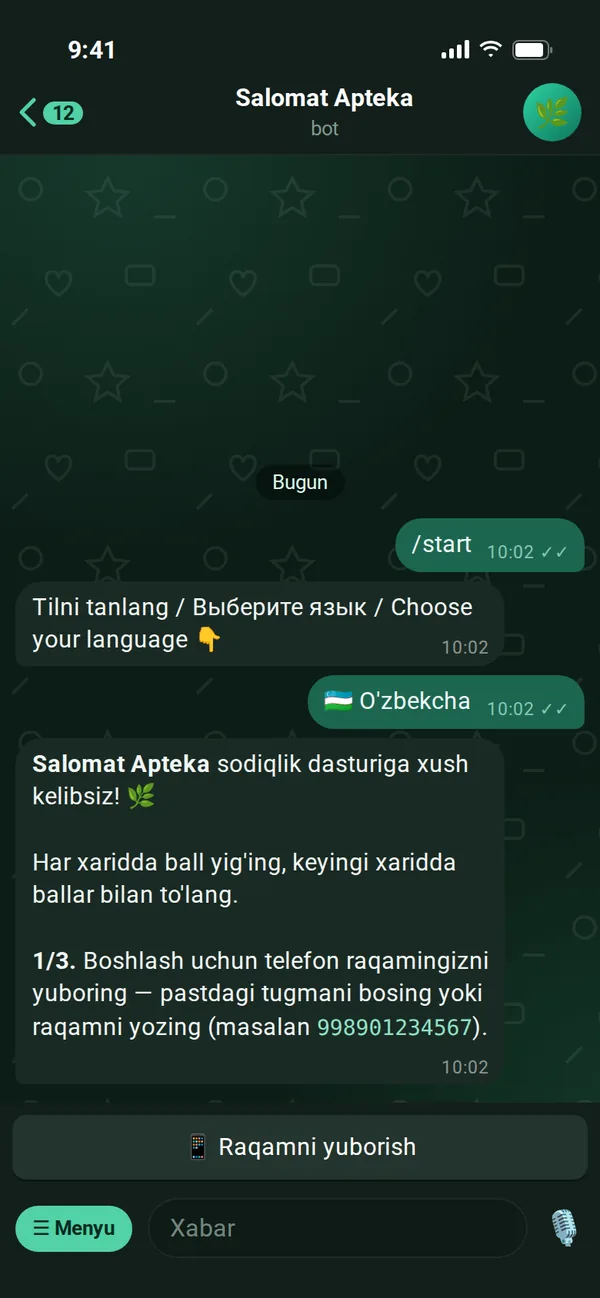
Signs up
Phone, name, birthday — and a welcome bonus.
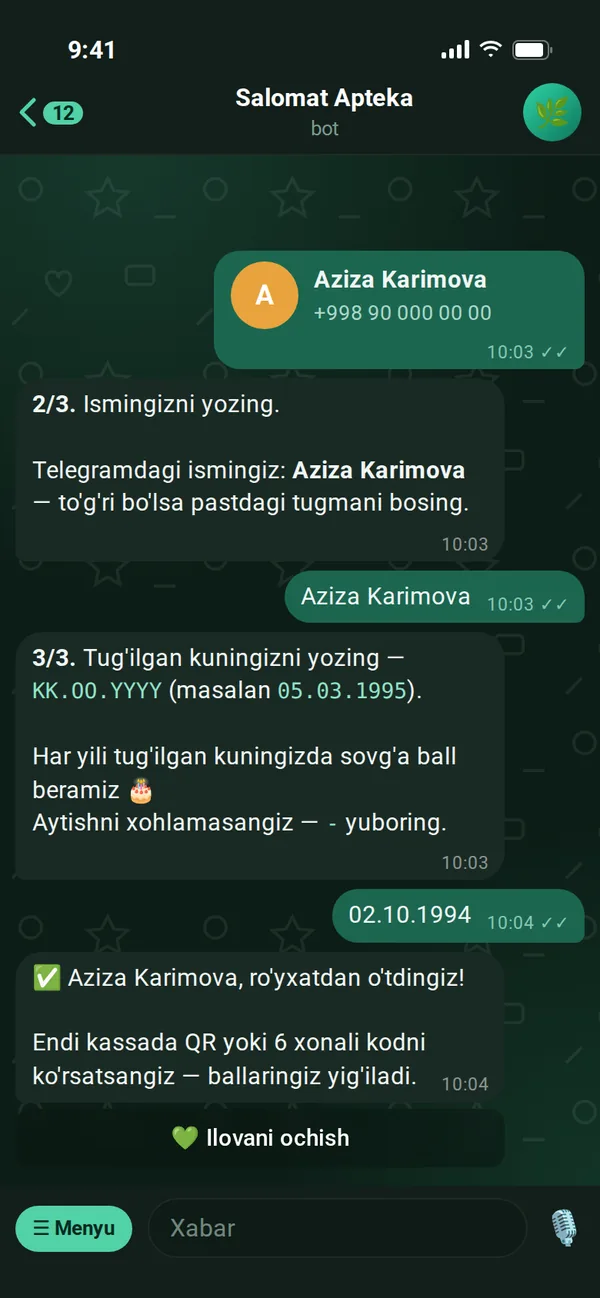
Shows the code at checkout
Earns points or pays with points.
Comes back
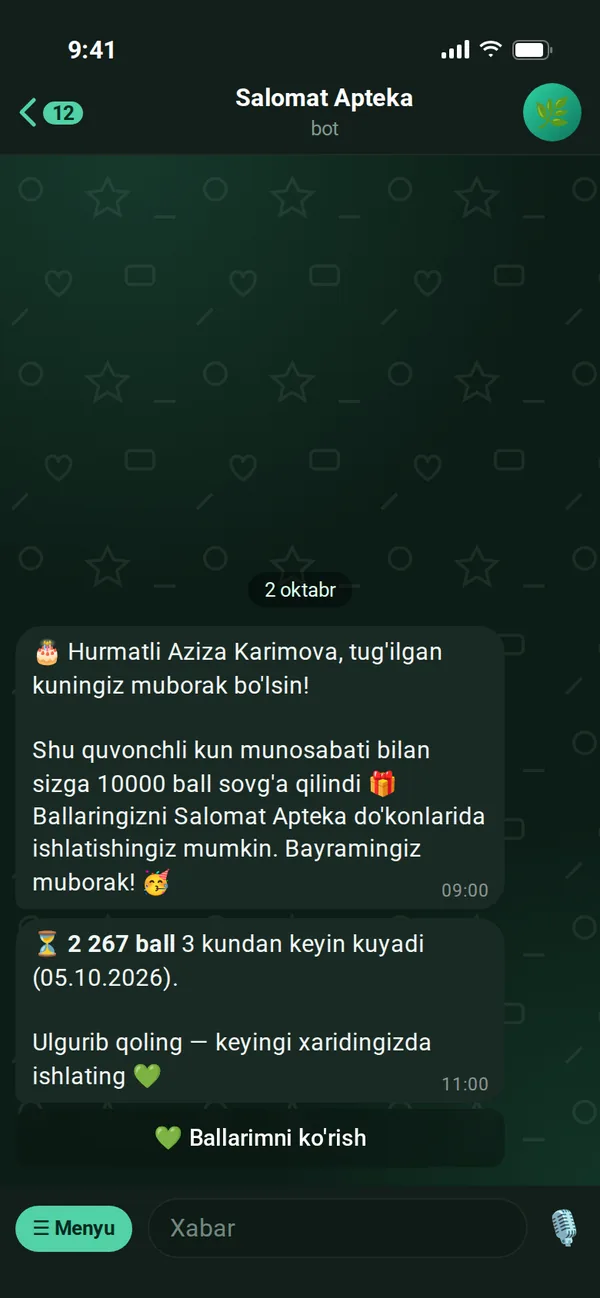
Receipts, tiers, coupons and reminders bring them back to your store.
Frequently asked questions
What does the customer need to install?
Nothing. The customer app opens inside Telegram (Telegram Mini App). Scanning the QR by the checkout or following a link to the bot is enough.
What about customers without Telegram?
The cashier adds them by phone number — cashback keeps accumulating. For security, points can only be redeemed with the customer's own code or QR.
How is cashback calculated?
The part paid with points is subtracted from the purchase amount, and the percentage is taken from the rest. The percentage depends on the customer's tier: e.g. Silver 2%, Gold 3%. 1 point = 1 UZS.
Does the cashier app need special hardware?
No. The cashier app works in the browser of any phone, tablet or computer. A regular USB/Bluetooth barcode scanner works directly too.
Do we need to replace our existing POS software?
No. The Minta cashier app runs alongside your existing software. The cashier rings up the receipt as usual and only enters the amount in Minta.
What happens if the internet goes down?
The cashier app keeps working: purchases are queued on the device and sent automatically when the connection is restored. Point redemption and coupons, however, require server confirmation.
Do points expire?
You decide: no expiry, or points expire after a set number of days. Points from each purchase expire on their own schedule; a new purchase doesn't extend older ones. Customers get a reminder before expiry.
Is customer data secure?
Each company's data is stored separately and is not visible to other companies. The database is backed up daily. Details are in the Privacy policy.
Does the cashier app stop when the subscription ends?
No. If payment is late, only the admin panel is restricted. The cashier app and customer app keep working — your shoppers aren't affected.
Can we import our customer base?
Customers can be added manually in the panel or by phone number at the checkout. If you need to migrate a large database, contact us and we'll sort it out together.
Launch your loyalty program today
Try it free for 7 days. We open the account for you and help connect cashiers and set up the bot.