
A loyalty card inside Telegram
Your customers don't visit the App Store or Play Market and don't make up a password. The app opens inside Telegram with one tap — balance, QR code, coupons and everything about your store is right there.
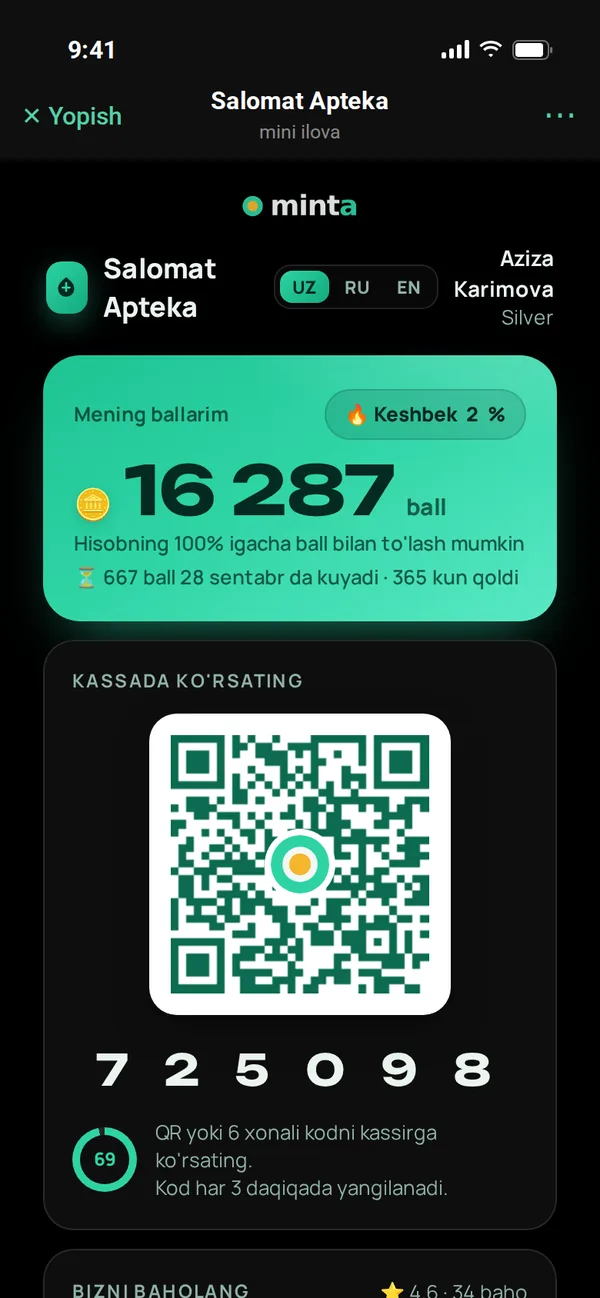
Home screen
Balance and the code shown at checkout
As soon as the app opens, customers see their points and personal QR code. At checkout they have the QR scanned or say the 6-digit code — and the purchase is credited to them.
- Balance in points and UZS: 1 point = 1 UZS discount
- The 6-digit code refreshes every 3 minutes — no one else can use it
- The code stays the same even if the app is reopened — the cashier won't get it wrong
- Shows exactly which part of the points expires when
- Current tier and cashback percentage always in view
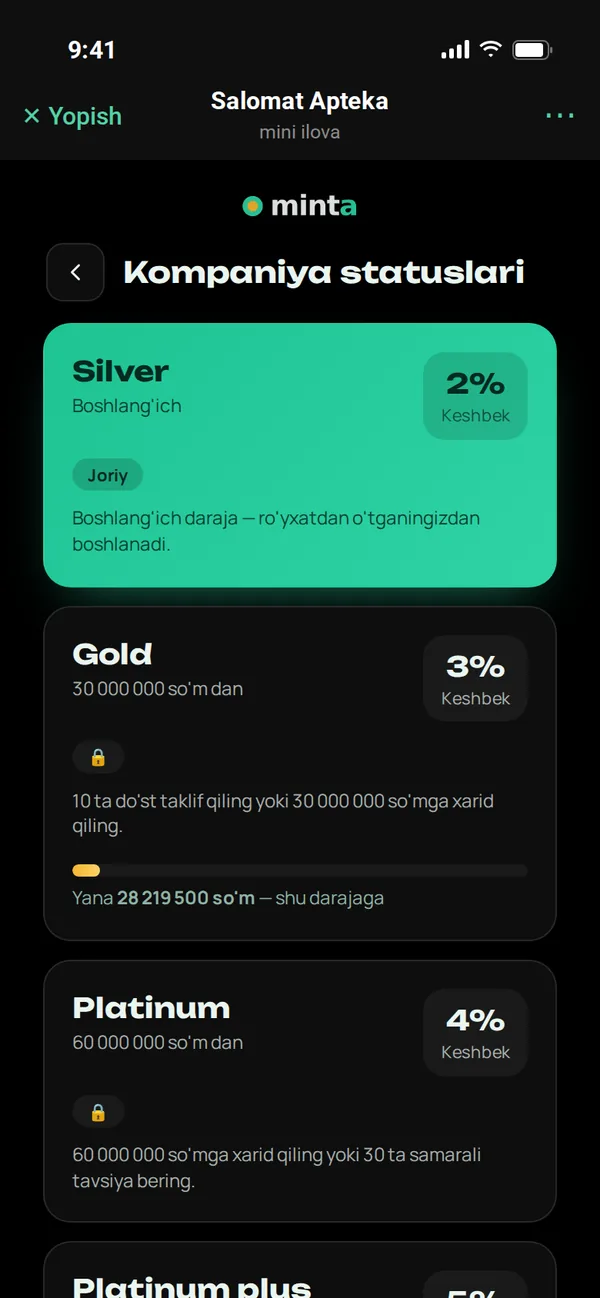
Tiers
Shows how much is left until the next tier
Silver, Gold, Platinum — you define the tiers. Customers see each tier's condition, cashback percentage and how much more they need to spend to reach the next tier on a progress bar.
- Each tier has its own cashback percentage
- The tier rises automatically based on total purchase amount
- You write the condition text yourself: "Invite 10 friends…"
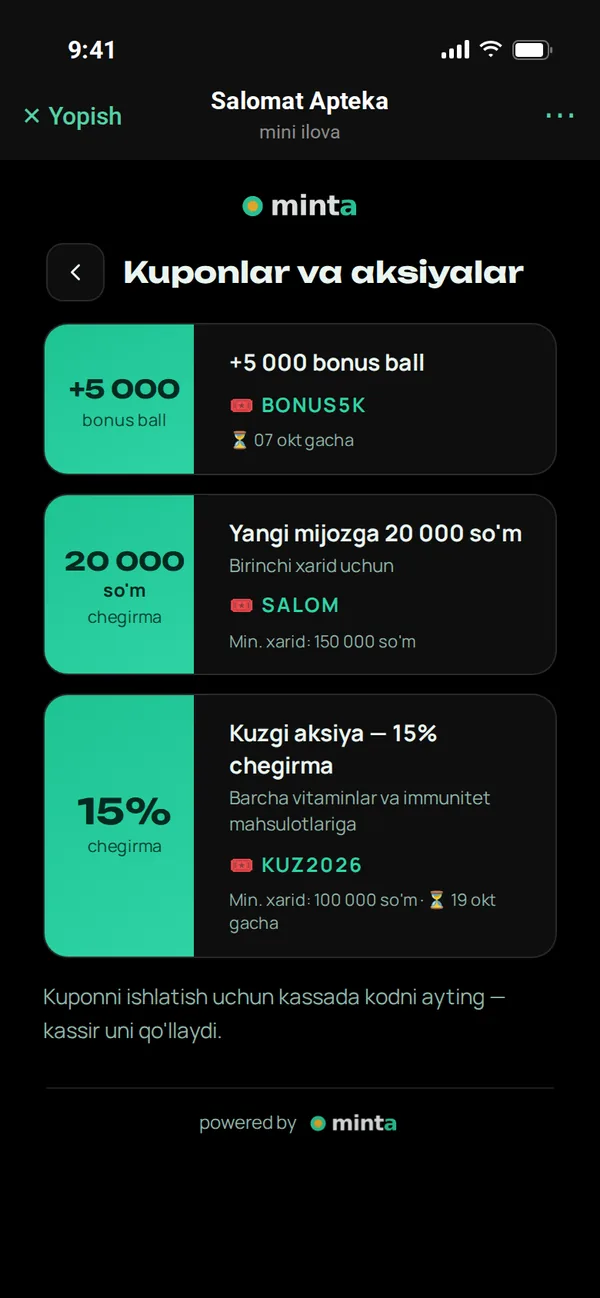
Coupons and promos
All current offers in one list
Coupons you create in the panel appear in the customer app immediately: with the discount amount, coupon code, minimum purchase and validity period.
- Percentage, fixed-amount or bonus-point coupons
- A used coupon turns grey
- Just say the code at checkout — the cashier applies it
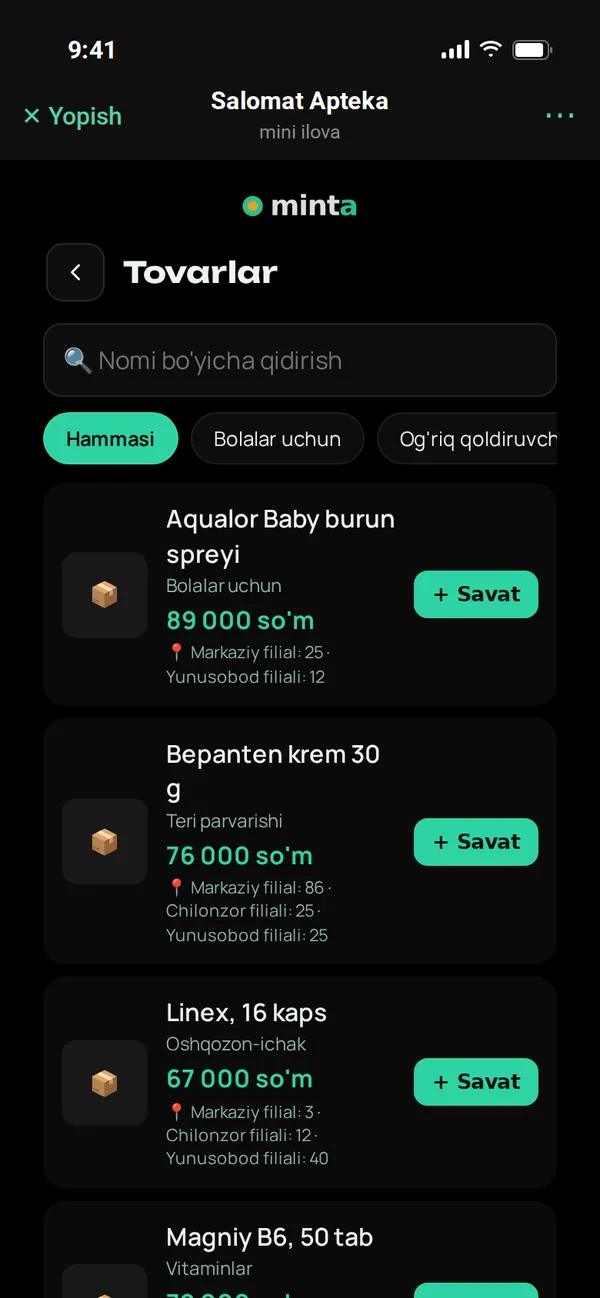
Product catalog
Price and which branch has it — in advance
Customers search products by name or category and see the price and stock at each branch. They add what they need to the cart and come to the checkout with a ready list.
- Search and category filters
- Stock per branch: "Central branch: 25 pcs"
- The cart is saved in the customer's account
Branches
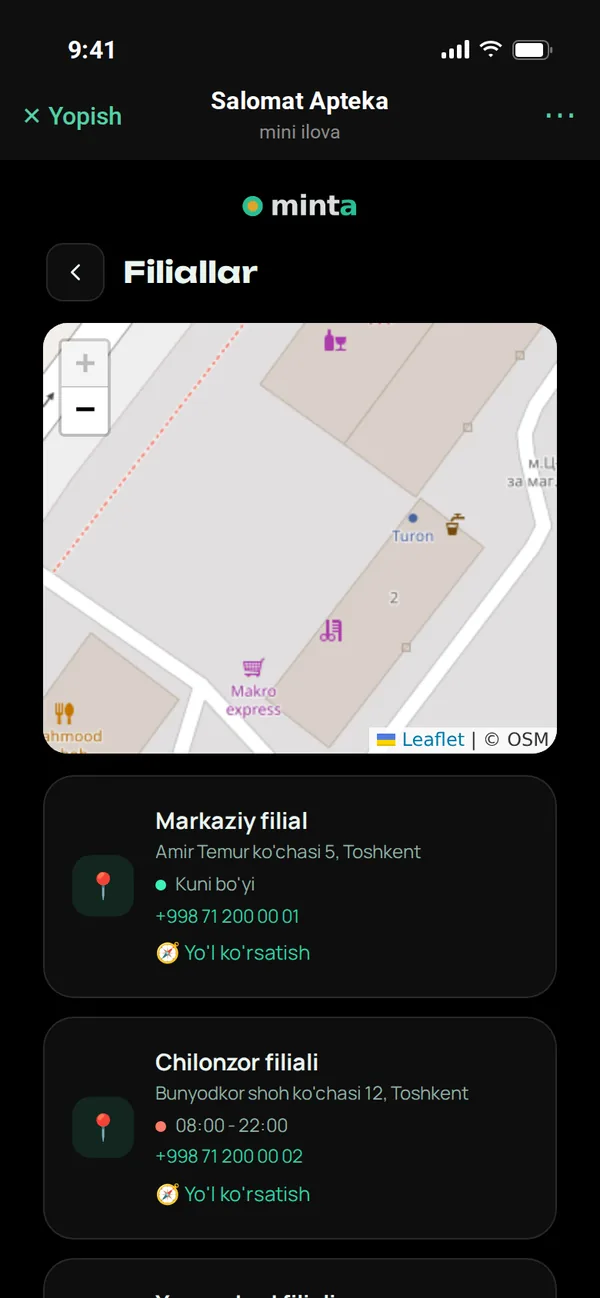
Nearest store on the map
All branches are marked on the map. Each shows its address, phone and opening hours; open or closed right now is color-coded. The "Directions" button opens a maps app.
- Open / closed status based on opening hours
- Call with one tap
- Directions in the phone's maps app
Invite a friend
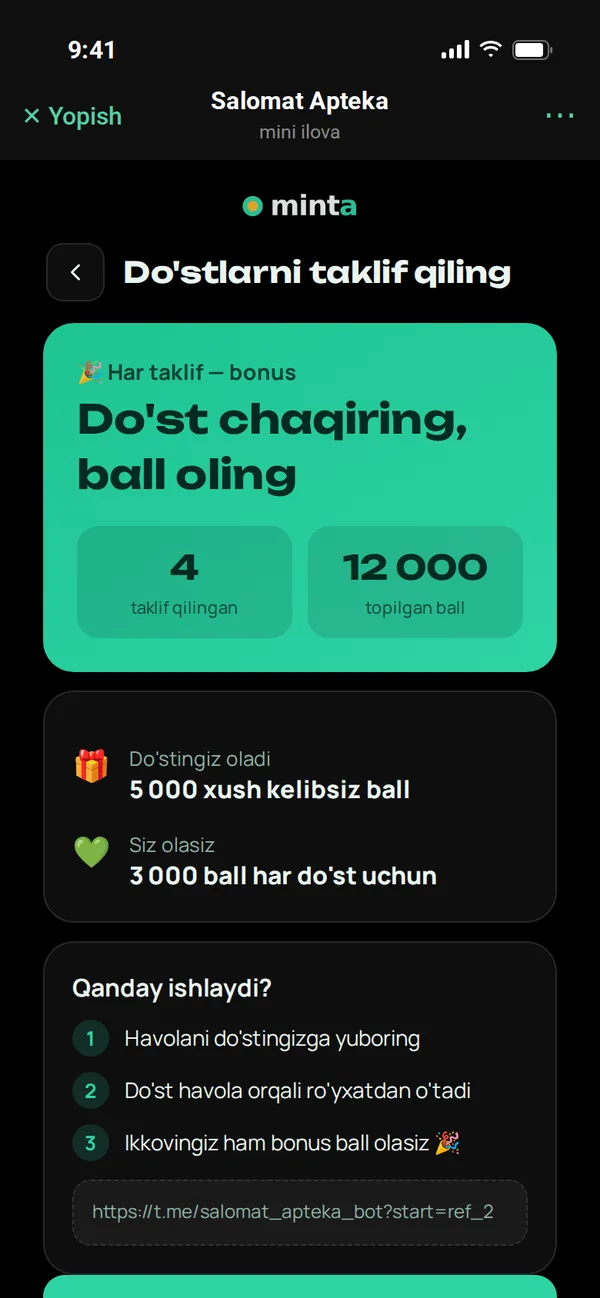
Every customer is your advertiser
Customers send their link to friends. If a friend signs up via the link, they get a welcome bonus and the referrer gets bonus points. How many people they invited and how many points they earned is shown here.
- Share the link via Telegram with one tap
- Up to 3 levels: points even from a friend's friend's purchases
- "How it works" — a simple explanation for customers
What's in the customer app
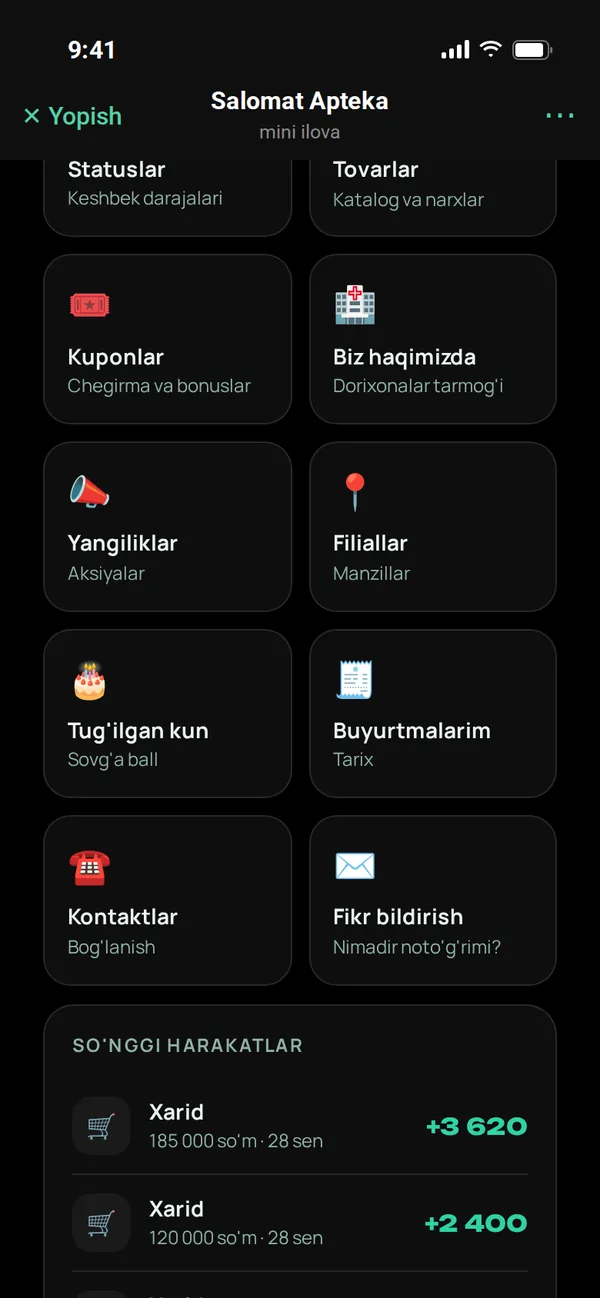
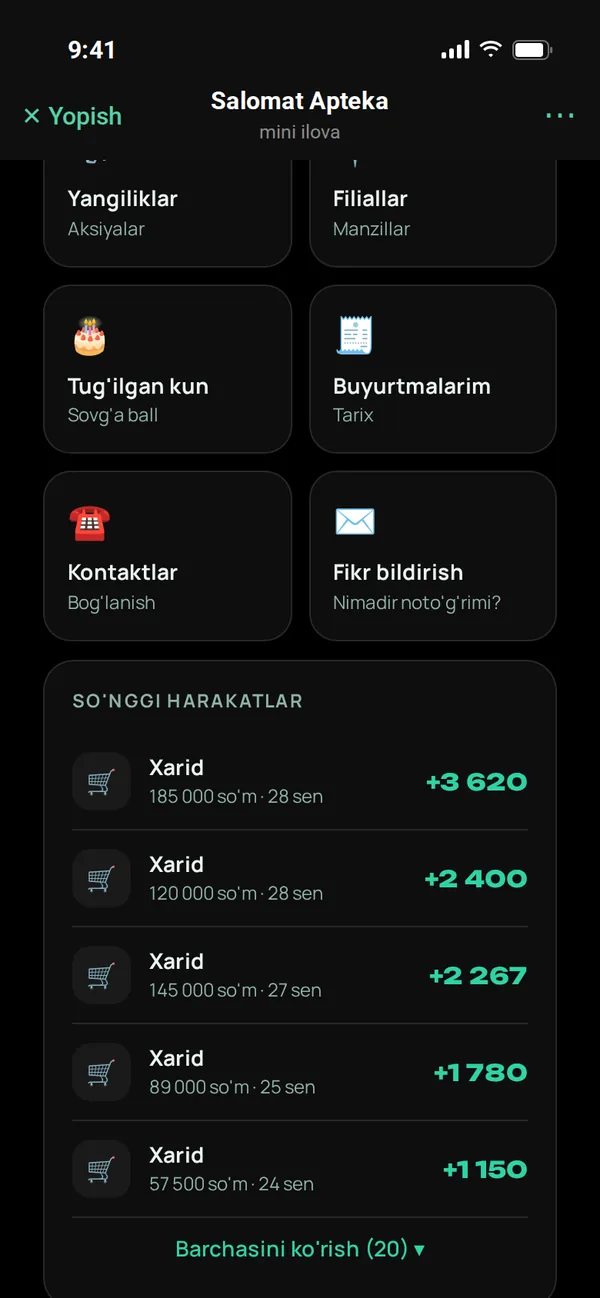
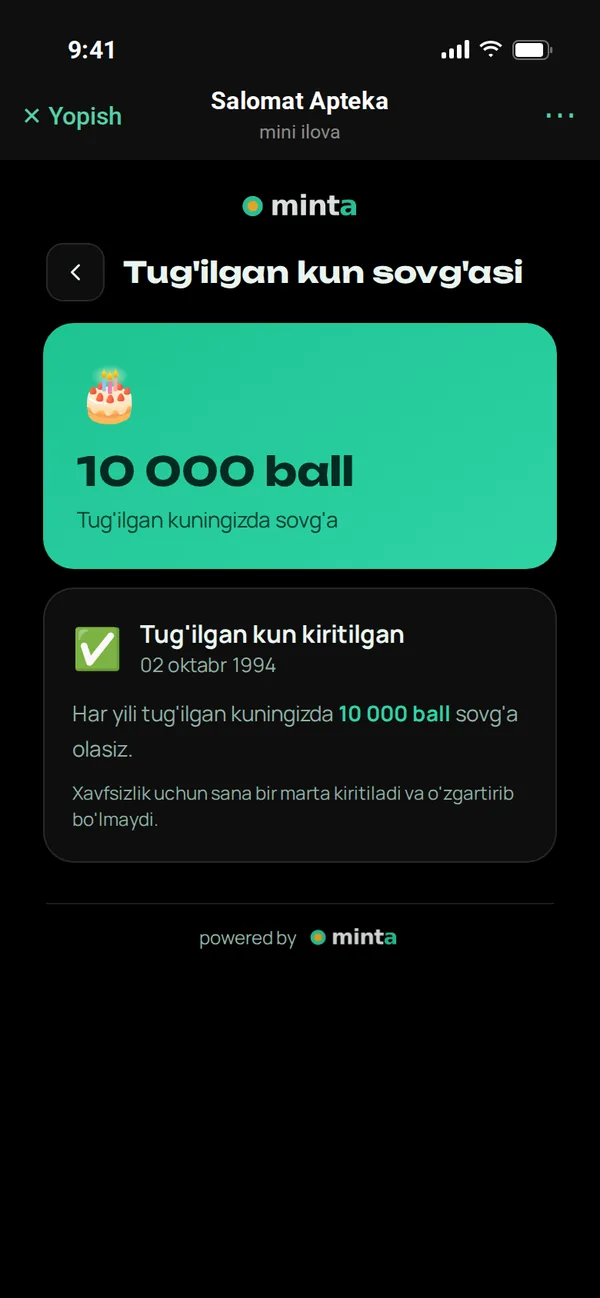
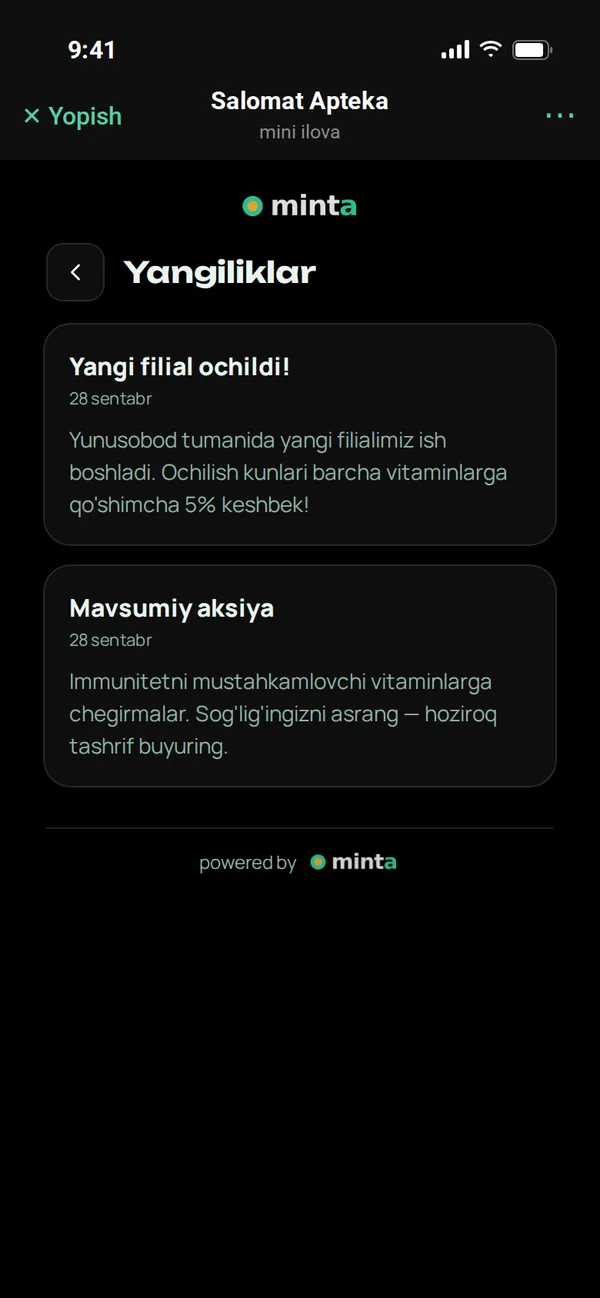
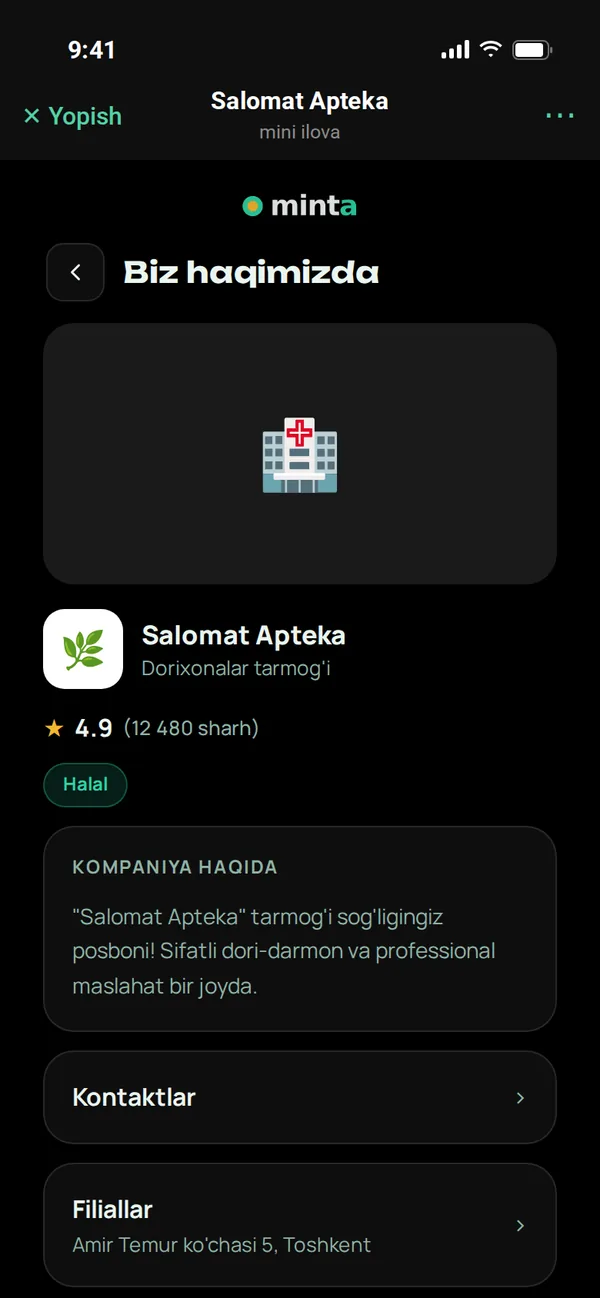
The screenshots below are from the real app. Click to enlarge.
Small but important details
Rating
After a purchase, the customer leaves 1 to 5 stars and a comment. The rating is visible to everyone, comments only to you.
Give feedback
If there's a problem, the customer writes to you directly — not on social media.
Birthday
The date is entered once and can't be changed — gift points can't be abused.
Company page
Logo, photo gallery, description, rating, social networks and support phone.
Three languages
The app adapts to the customer's Telegram language; customers can switch to Uzbek, Russian or English at any time.
Secure sign-in
Sign-in is verified with a Telegram signature. Each company's customers are separate — no other business can see them.
Questions about the customer app
How do customers find the app?
They scan the QR banner by the checkout or follow a link to your bot. After sign-up, the "Open app" button in the bot and the button in the Telegram menu always open the app.
Will the app show our logo?
Yes. Your company name, logo, description, photos and contacts are set in the panel. The Telegram bot's name and avatar are yours too.
What if a customer shops at several stores?
Each company has a separate account. A customer's points and data with you are not visible to any other company.
Can customers order online?
Not yet: the cart helps customers pick the products they need in advance and come to the checkout with a ready list. Payment and points are handled at the checkout.
More features
Customer app
A loyalty card inside Telegram
Telegram bot
Sign-up, purchase receipts, greetings and broadcasts
Cashier app
QR, scanner and offline sales
Control panel
Statistics, customers, reports
Marketing tools
Tiers, coupons, referral program, segments
Catalog and branches
Products, stock, import, map
Launch your loyalty program today
Try it free for 7 days. We open the account for you and help connect cashiers and set up the bot.